First short free. Pick a look after you sign up.
In short
If you are searching for an AI video generator for small business, you probably do not need another impressive demo. You need a repeatable way to turn a product, offer, or useful idea into a finished short-form video — then get it in front of the right audience. The useful workflow is simple: choose a topic, write a tight script, create the voice and visuals, add captions, review the result, and publish it to TikTok, Instagram Reels, or YouTube Shorts. The best tool is the one that removes the handoffs between those steps without making your brand sound like a robot.
- Viibeo is a good fit when your main goal is repeatable faceless TikTok, Reels, and Shorts content.
- An AI video generator is not automatically a marketing system.
- “AI video generator” covers several different products.
- Here is a workflow a founder, marketer, or small social team can repeat without adding a full production department.
- Often, yes — especially when the business has expertise, products, or processes to explain but does not want the owner on camera every day.
If you are searching for an AI video generator for small business, you probably do not need another impressive demo. You need a repeatable way to turn a product, offer, or useful idea into a finished short-form video — then get it in front of the right audience.
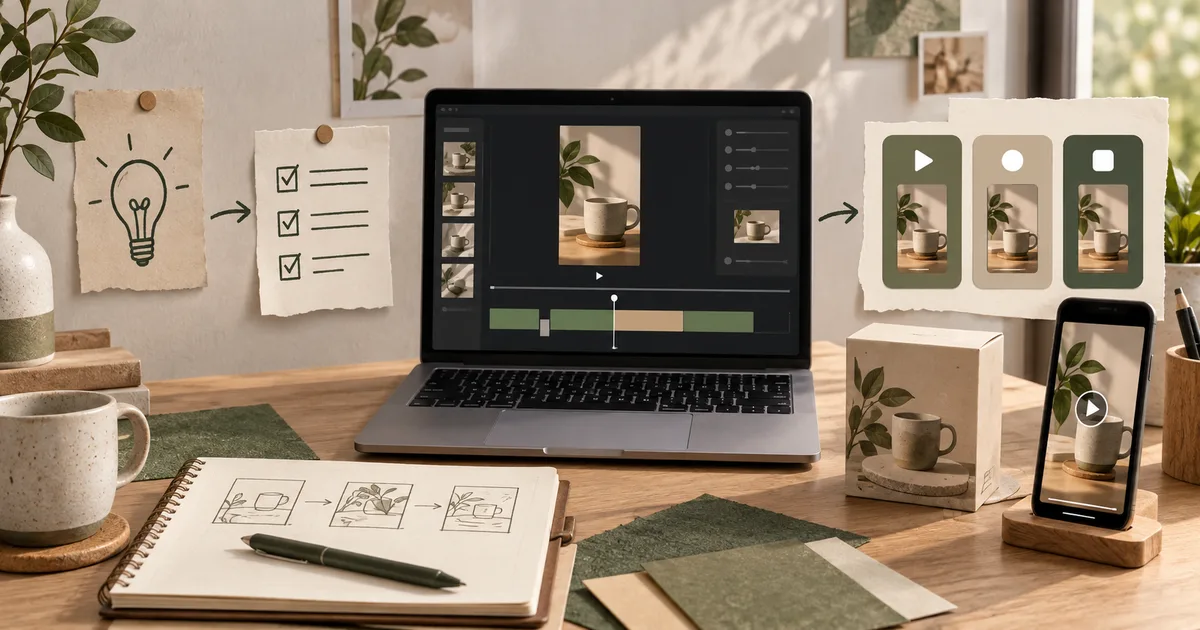
The useful workflow is simple: choose a topic, write a tight script, create the voice and visuals, add captions, review the result, and publish it to TikTok, Instagram Reels, or YouTube Shorts. The best tool is the one that removes the handoffs between those steps without making your brand sound like a robot.
Quick answer
For most small businesses, choose an AI video generator that can do four things well:
- Start from a real business input: a product page, offer, URL, brief, or customer question.
- Produce a complete vertical video with a useful hook, voiceover, visuals, and readable captions.
- Keep the look and message consistent across a series instead of generating random one-off clips.
- Let you review, export, or publish without rebuilding the video in another editor.
Viibeo is a good fit when your main goal is repeatable faceless TikTok, Reels, and Shorts content. It can turn a prompt or URL into a short, and Autopilot on Starter and above can schedule publishing to connected social accounts. If you only need one product ad, start with a UGC ad, where an AI creator presents the product. If you want to test the workflow before paying, use the free AI video generator.
What small businesses should look for
An AI video generator is not automatically a marketing system. Before choosing one, separate the job into the parts that affect your weekly workload.
1. A useful starting point, not an empty canvas
Blank prompts are fine for experiments. They are slower when you need to explain your business from scratch every day.
The better starting inputs are things you already have:
- a product or service page
- a frequently asked customer question
- a promotion or launch brief
- a feature announcement
- a customer story or review
- a niche, audience, and angle for an educational short
This is why a URL-to-video workflow is useful for a small team. The source material already contains your offer, vocabulary, and proof points. The generator still needs review, but you are editing a draft grounded in your business rather than inventing one from nothing.
2. A finished short, not just a clip
Some AI tools generate a cinematic clip. That can be useful, but it is not the same as a publishable social video.
For a small business, a usable short usually needs:
- a clear first-line hook
- a script that fits the intended duration
- narration or a deliberate silent format
- visuals that support the words
- captions that remain readable on a phone
- a final call to action
- a 9:16 export suitable for TikTok, Reels, and Shorts
If you still need to write the script, record the voice, time the captions, and assemble the ending in a second app, compare the total workflow — not only the quality of the generated clip.
3. Brand consistency across a series
One good video can be made with almost any tool. The harder job is making the fifteenth video feel like it came from the same business.
Look for controls that keep these decisions stable:
- voice and speaking style
- caption treatment
- visual direction
- recurring intro or outro
- preferred hook angles
- audience and niche
- words or claims the brand should avoid
Consistency does not mean every post should look identical. It means the viewer can recognize the source before reading the username.
4. A realistic publishing path
Exporting an MP4 is useful. It is not automation.
Ask what happens after the render:
- Can you review the video before it goes live?
- Can you connect the social accounts through official authorization?
- Can you schedule a series instead of uploading every post manually?
- Can you export clean files when a platform needs a manual step?
- Does the system show which platform and date each post is intended for?
Viibeo’s Autopilot is designed for this create-and-publish loop. Reels and Shorts can run on the schedule. TikTok publishing uses the official flow and may require a confirmation step depending on the account and post settings. That is a more honest workflow than promising completely invisible automation everywhere.
The best AI video generator depends on the business job
“AI video generator” covers several different products. Choosing the wrong category is one of the fastest ways to waste a monthly subscription.
| If your job is… | Look for… | Viibeo fit |
|---|---|---|
| Publish educational shorts every week | Faceless series, voice, captions, scheduling | Strong fit with Autopilot |
| Turn a product page into social content | URL input, product context, CTA control | Strong fit with URL-to-faceless script and UGC ads |
| Make creator-style product ads | Product photo in, a creator presenting it, export | Strong fit with UGC ads |
| Create a talking presenter | Avatar, lip-sync, presenter controls | Choose an avatar-focused tool instead |
| Edit existing interviews or podcasts | Transcription, clipping, timeline editing | Choose a clip editor instead |
| Make one experimental AI scene | Text-to-video model and shot controls | Choose a model-focused generator instead |
The important distinction is not which tool has the most AI features. It is which tool matches the content your business needs to publish repeatedly.
A practical workflow for a small business
Here is a workflow a founder, marketer, or small social team can repeat without adding a full production department.
Step 1: Choose one audience and one promise
Do not start with “make a video about my business.” Start with a viewer and an outcome.
Examples:
- “For independent cafés: three ways to make a seasonal drink look better on camera.”
- “For Shopify stores: the product-detail mistake that makes a landing page feel untrustworthy.”
- “For local service businesses: what to show in a 20-second before-and-after video.”
The narrower brief gives the script a reason to exist.
Step 2: Pick a repeatable format
Small businesses usually benefit from a few reliable formats more than a new concept every day:
- Problem → mistake → fix
- Three quick tips
- Before → after → explanation
- Customer question → direct answer
- Product detail → use case → call to action
Make the format recognizable, then vary the examples and hooks.
Step 3: Generate the first draft from real context
Use the product page, offer, or customer question as source material. Ask for one specific audience, one claim, and one action. Avoid asking the model to “go viral”; ask it to make the next useful video for a real person.
For scripts, Viibeo also provides a faceless video script generator and a faceless video idea generator when you want to work from a topic instead of a URL.
Step 4: Review the facts and the first two seconds
AI can produce a fluent sentence that is wrong for your business. Check:
- prices and availability
- product names
- customer outcomes
- legal or regulated claims
- pronunciation
- whether the opening line makes sense with the first visual
The first two seconds should make the audience understand why the video is for them. A beautiful generic montage is not a hook.
Step 5: Publish a small test series
Do not judge the tool from one video. Make a small series around one audience and one format. Publish consistently enough to compare retention, saves, comments, and qualified clicks.
Use the results to change the brief:
- Low early retention: rewrite the opening.
- Good retention but no clicks: make the promise and CTA more specific.
- Clicks but no leads: align the landing page with the video’s promise.
- Good engagement but slow production: lock the format and automate the schedule.
This is where a generator becomes useful to a business: not because it promises viral reach, but because it makes iteration affordable.
Should a small business use faceless videos?
Often, yes — especially when the business has expertise, products, or processes to explain but does not want the owner on camera every day.
Faceless does not have to mean anonymous or generic. The business can still show:
- the product
- the workspace
- screenshots and results
- hands, packaging, or process footage
- branded typography and colors
- a consistent voice and point of view
The goal is to remove the filming bottleneck, not remove the business identity. For product campaigns, UGC ads put an AI creator on camera with the product, without asking a founder to become a full-time creator.
How much does an AI video generator cost?
Pricing depends on whether you are buying a model, an editor, a content library, or an automation workflow. Compare the monthly price against the work that remains after generation.
Ask:
- How many finished videos can the plan produce?
- Is the output watermarked?
- Does it include voice and captions?
- Are social connections and scheduling included?
- Do you pay separately for exports, credits, or extra minutes?
- Can you cancel if the workflow does not save time?
Viibeo offers a free watermarked first short, with paid plans for clean exports and higher-volume workflows. See the current Viibeo pricing page for the latest plan details rather than relying on an old comparison article.
Common mistakes to avoid
Buying a cinematic generator for a consistency problem
If your problem is posting every week, more visual controls may make the bottleneck worse. Start with the workflow you need to repeat.
Generating generic “business tips”
Generic content is easy to produce and difficult to remember. Use real customer questions, product details, examples, and opinions from your business.
Automating before reviewing
Autopilot should remove repetitive work, not remove judgment from regulated claims, prices, or customer promises. Review the first series before increasing volume.
Measuring views instead of business outcomes
Views are useful distribution feedback. They are not the same as qualified visits, signups, demos, or sales. Give every series one measurable next action.
Bottom line
The best AI video generator for a small business is not necessarily the one with the most realistic demo. It is the one that turns your existing business knowledge into a consistent, reviewable, publishable short-form workflow.
Choose a tool that starts from real context, creates a complete vertical video, protects brand consistency, and leaves you with a practical publishing path. If you want faceless TikTok, Reels, and Shorts from one workflow, try Viibeo’s free AI video generator and move to Autopilot when the format is working.
Frequently Asked Questions
What is the best AI video generator for a small business?
The best fit is the one that matches the business’s publishing job. For a small business that needs repeatable faceless TikTok, Reels, and Shorts, Viibeo combines script, voice, visuals, captions, export, and Autopilot publishing in one workflow. An avatar tool or timeline editor may be better for a different job.
Can an AI video generator create videos from a product page?
Yes. A URL-based workflow can use the product page as context for the script and call to action. Review the output for incorrect prices, claims, product details, and missing proof before publishing. Viibeo supports URL-to-script workflows and UGC ads made from a product photo.
Can small businesses make faceless marketing videos with AI?
Yes. Faceless videos can use voiceover, captions, product visuals, screenshots, generated scenes, and process footage without requiring the owner to appear on camera. The strongest results still include specific business knowledge instead of generic AI copy.
Can AI video generators post directly to TikTok, Instagram, and YouTube?
Some can. Check whether the product uses official account connections, what review steps are required, and which platforms support scheduled publishing. Viibeo Autopilot supports the connected short-form workflow, with platform-specific confirmation requirements where applicable.
How should a small business measure AI video results?
Track early retention, saves, comments, qualified profile visits, clicks, leads, and sales — not views alone. Start with one audience and one format so the results tell you what to improve.
Written by

Audiencon
Founder of Viibeo
Builds Viibeo and writes this journal from the product: faceless shorts with script, voice, captions, and auto-post.