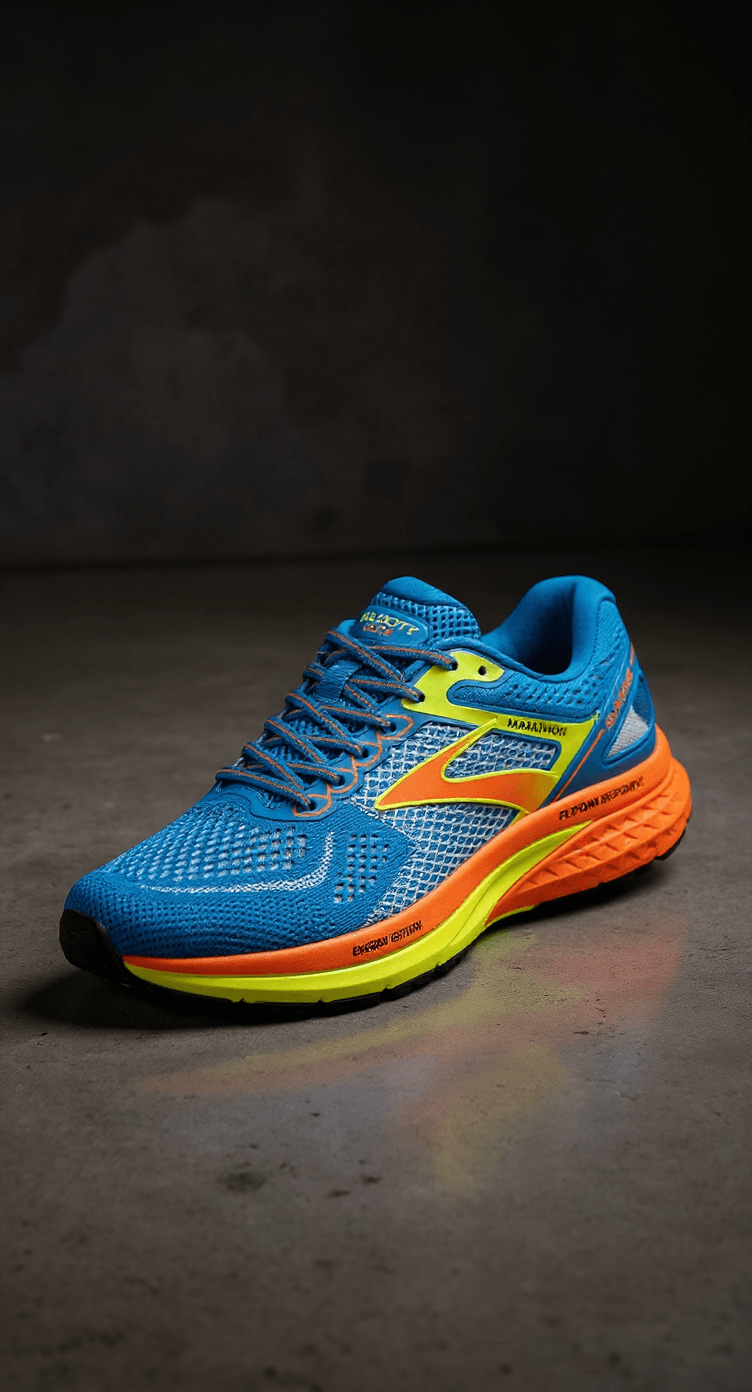

Running shoes

Animated product still

Ad Factory
product stills you can animate.

Upload one product photo and get up to four ad stills. Keep the best, add a creator if you like, then animate it into a clip for TikTok, Reels, Shorts or paid social. Write the opening line first with the product page ad hook generator.

Running shoes

Animated product shot

Test the creative first. Then add motion.

For product marketers who want several angles to test before spending time or budget on a shoot.

  1. 1

    Drop in a product photo

    Use your own packshot or try a sample, then describe the look you want in a few words.

  2. 2

    Get ad stills in one pass

    Pick one to four variants and an aspect ratio. Add a creator next to the product if you like.

  3. 3

    Turn a still into a clip

    Animate any still into a short video, then download the MP4 for TikTok, Reels or Shorts.

Real Ad Factory stills and clips from sample products.

Product photo in, ad stills out, then a short animated clip. Hover or tap a clip to preview it.

Running shoes Ad Factory animatedAnimated

Running shoes

Product, 9:16

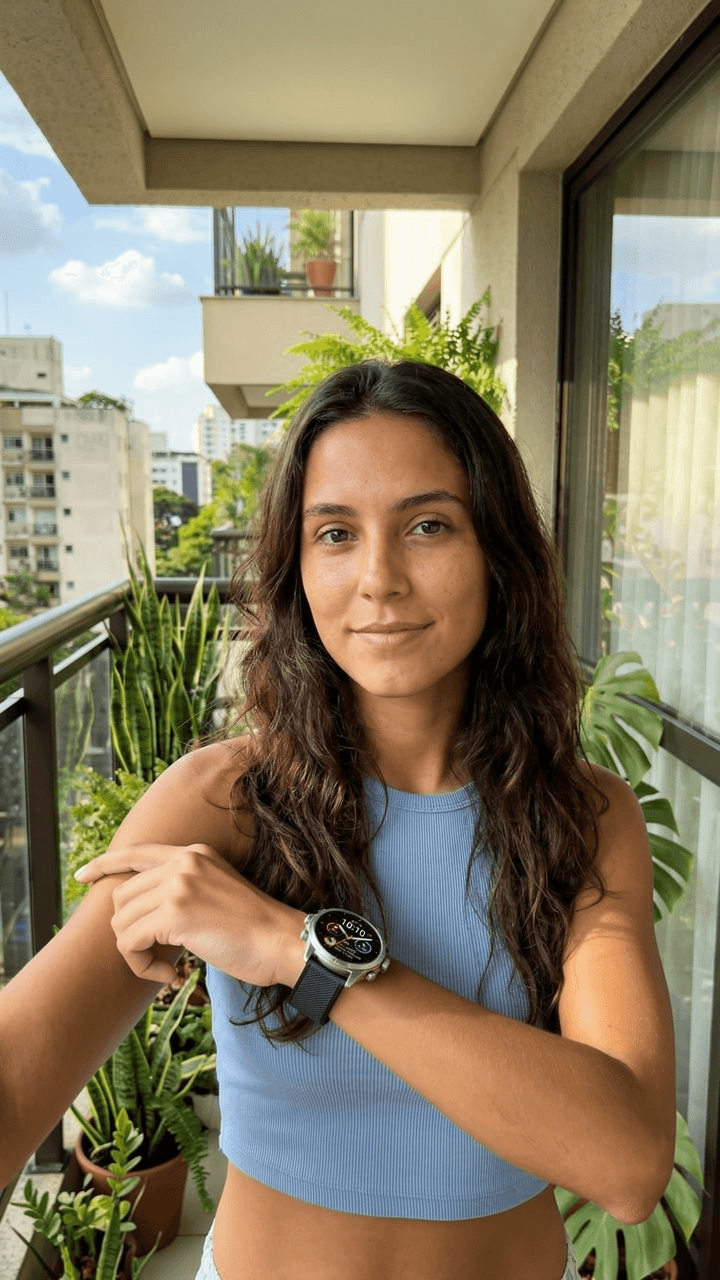
Smartwatch + avatar Ad Factory animatedAnimated

Smartwatch + avatar

Product + avatar, 9:16

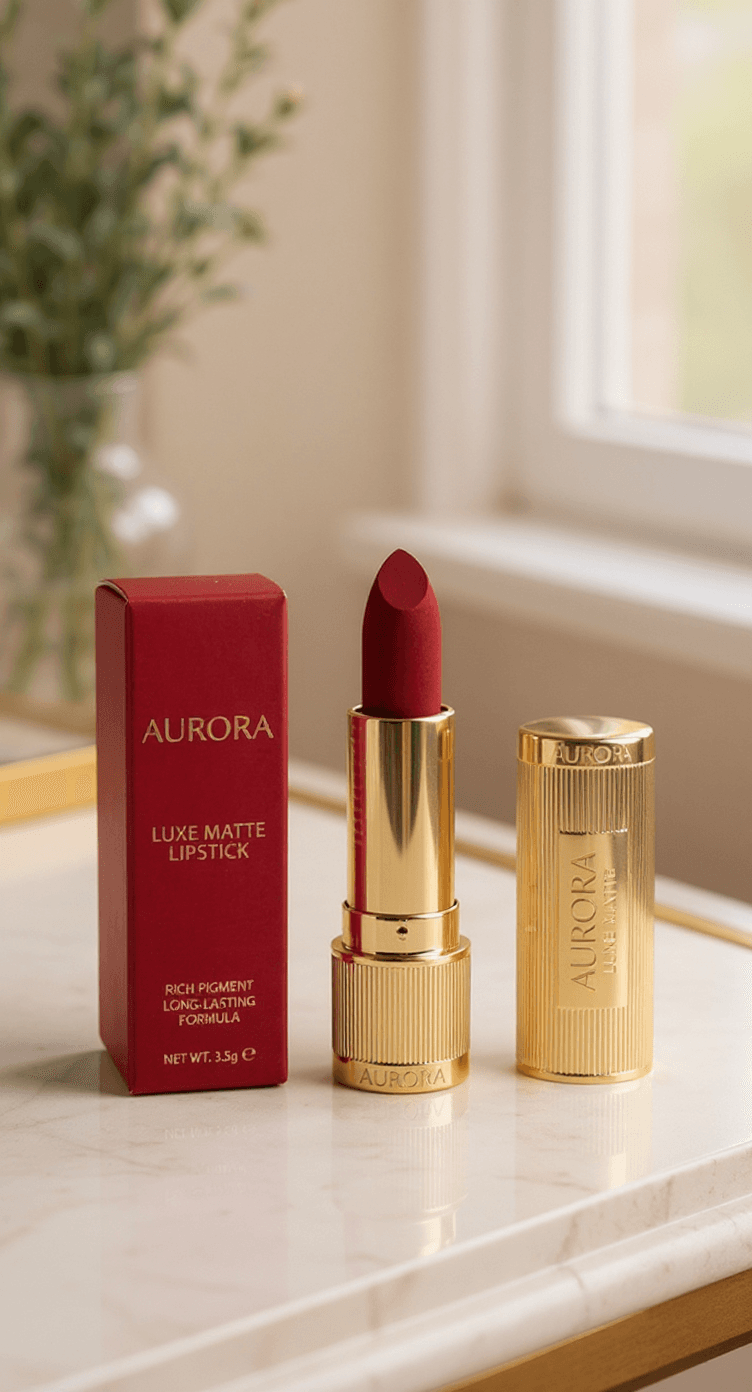
Lipstick Ad Factory stillStill

Lipstick

Product, 9:16

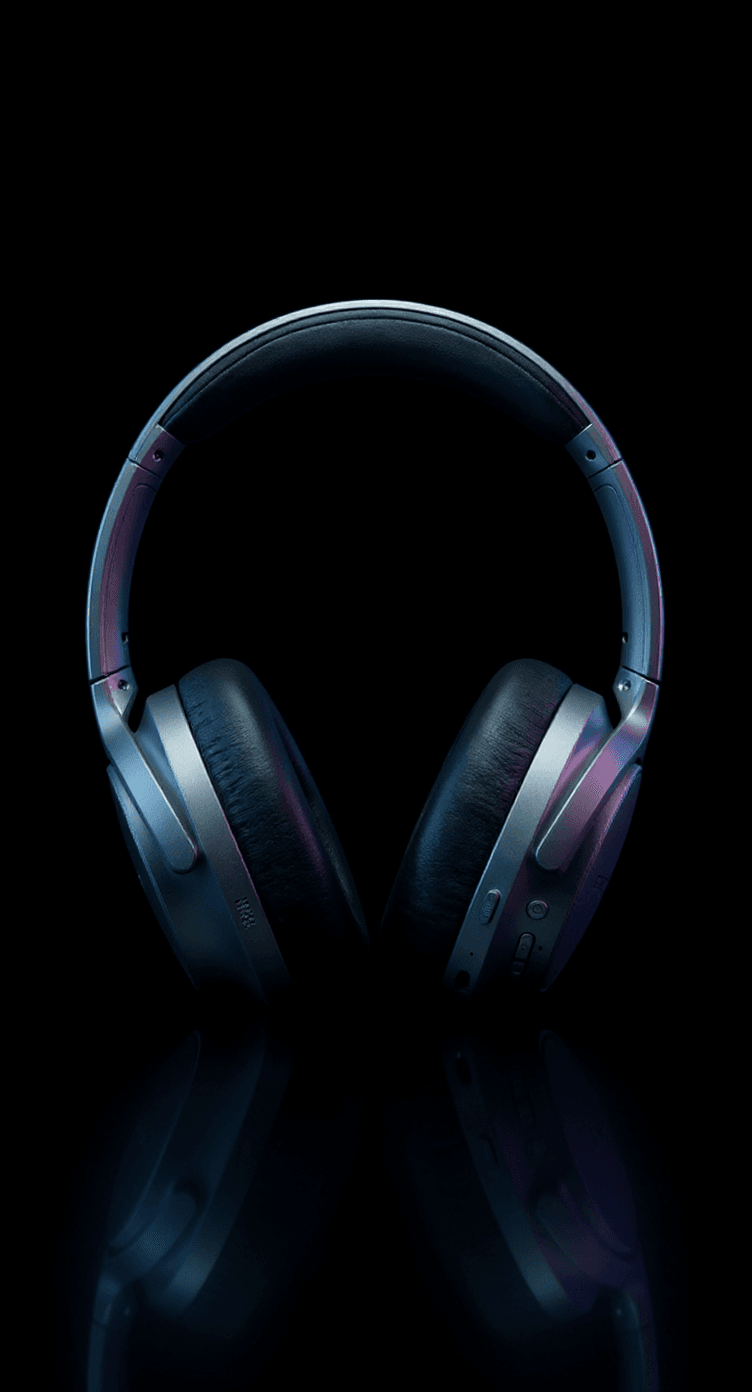
Headphones Ad Factory stillStill

Headphones

Product, 9:16

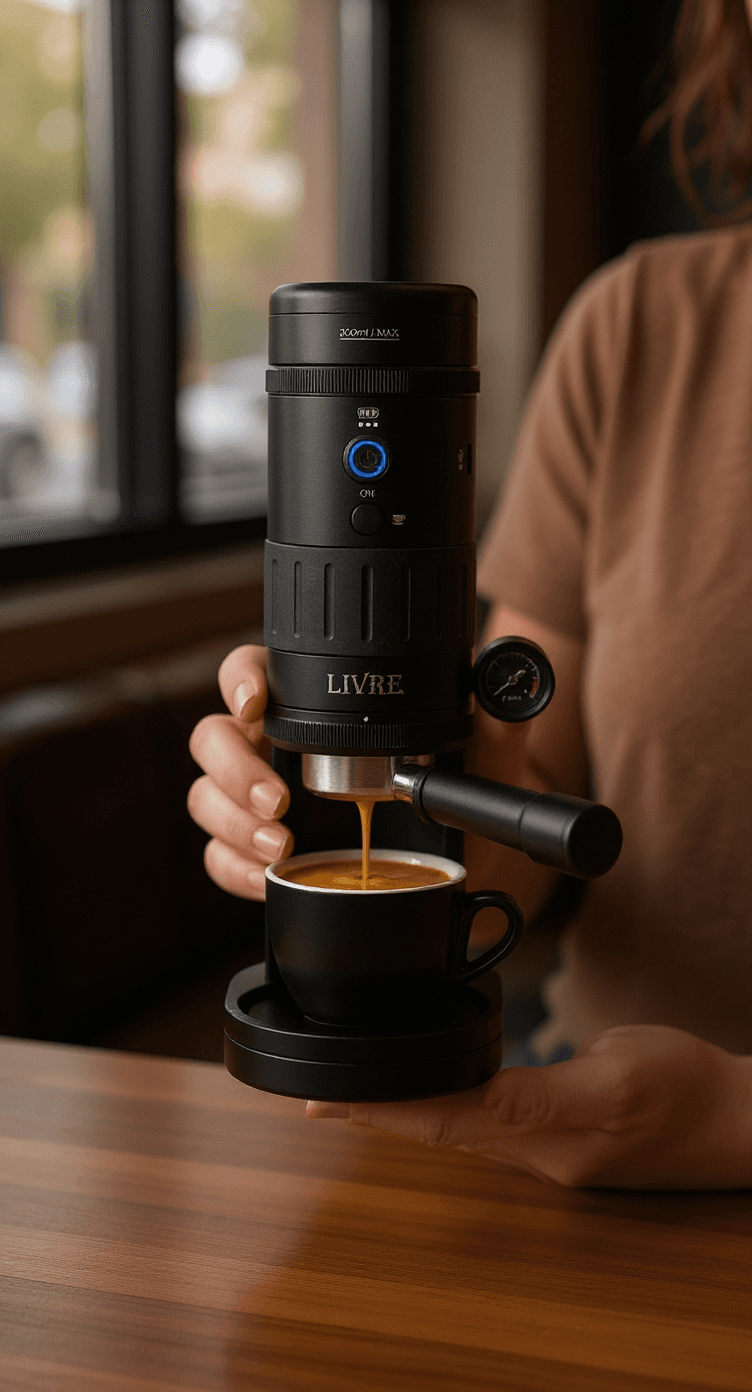
Coffee gadget Ad Factory stillStill

Coffee gadget

Product, 9:16

Smartwatch studio Ad Factory stillStill

Smartwatch studio

Product + avatar, 9:16

Photo in. Creatives out.

One-off product ads, not a scheduled series. For a channel that keeps posting, use Autopilot.

  1. 1

    Upload the product.

    Drop a product image or pick a sample. Write a short prompt for lighting, angle, and vibe.

    9:16, 1:1 or 16:9, to match the feed you are testing.

  2. 2

    Generate stills.

    Create 1–4 ad creatives in one run. Toggle a creator avatar when you want a face next to the product.

    Improve the prompt in-studio if the first pass is close but not right.

  3. 3

    Animate and export.

    Animate any still into a short clip, then download the MP4.

    Post it to TikTok, Reels or Shorts yourself. Ad Factory does not post for you.

Ad Factory sample

Generate stills. Animate what works.

Drop a product photo, get ad stills, then animate the winners into short clips. Uses your plan credits.

  • Product stills
  • Animate winners
  • Credits on every plan

From

$35/mo

$35 a month billed yearly, or $43 monthly.

Key takeaways

  1. 1

    Viibeo Ad Factory turns a product photo into AI ad stills, then animates a chosen still into a short MP4 clip.

  2. 2

    Ad Factory is a one-off creative studio. Autopilot is the scheduled organic series. Both can share Style DNA.

  3. 3

    Seedance animation tiers cover product motion without requiring an avatar presenter.

  4. 4

    Export the MP4 for TikTok, Reels, Shorts, or paid social uploads.

What is Viibeo Ad Factory?

Viibeo Ad Factory is a product creative workflow. You upload a product photo, generate up to four AI ad stills (with an optional creator avatar), pick a winner, animate it into a short clip, and download the MP4.

It exists for marketers who need product-led ads without rebuilding a full UGC shoot for every test.

When to use Ad Factory versus Autopilot

Use Autopilot for organic niche series that must post on a schedule. Use Ad Factory when the unit of work is a product creative: still variants, then a motion clip for ads or product posts.

Many teams run both. Autopilot builds audience with faceless lessons or stories. Ad Factory supplies product motion ads that share the same Style DNA.

Stills, animation, and hooks

Strong Ad Factory outputs start with a clear product photo and a sharp opener. Generate stills first, animate only the variants that read well as thumbnails, then pair the clip with a hook from the free product page ad hooks tool or your own copy.

  1. 1.Upload a clean product photo with readable packaging or form.
  2. 2.Generate still variants and shortlist one or two.
  3. 3.Animate the winner with Seedance (or Eco/Pro tiers where available).
  4. 4.Add a spoken or on-screen hook before you publish or buy media.

Avatar-optional by design

Ad Factory can add an optional creator avatar to stills, but faceless product motion is a first-class path. If your brief requires talking-head UGC avatars as the primary format, a specialist avatar studio may fit better. If the product and motion are the star, Ad Factory stays in lane.

Ad Factory questions

Stills, variants, avatars, and how credits work.

What is Ad Factory?

A one-off product creative studio. Upload a product photo, generate AI ad stills (1–4 variants), optionally add a creator avatar, then animate a still into a short clip and download the MP4.

Do I paste a product URL?

No. You upload a product image (or pick a sample) and write a prompt. There is no URL scrape or auto-caption pipeline.

How many variants can I generate?

Up to four stills per run. You choose 1, 2, 3, or 4 before generating.

Does Ad Factory auto-post to TikTok or Instagram?

No. Download the MP4 and upload yourself. Scheduled TikTok, Instagram, and YouTube Shorts auto-post is an Autopilot feature on Starter and above.

What about the avatar?

Optional. Toggle avatar mode to place a creator from the library (or your upload) next to the product in the still.

Which plan do I need?

Ad Factory uses plan credits on any plan, including free. Upgrade when you need more volume.

Your first video is minutes away.

Start from a prompt, a link or a trending format. Your first video is free; clean exports start on Lite at $24 a month, or $19 billed yearly.

Start with a free video

No card needed. Cancel anytime.