TikTok Dimensions in 2026: Video Size, Aspect Ratio and Safe Zone
 AudienconFounder, Viibeo
First short free. Pick a look after you sign up.
In short
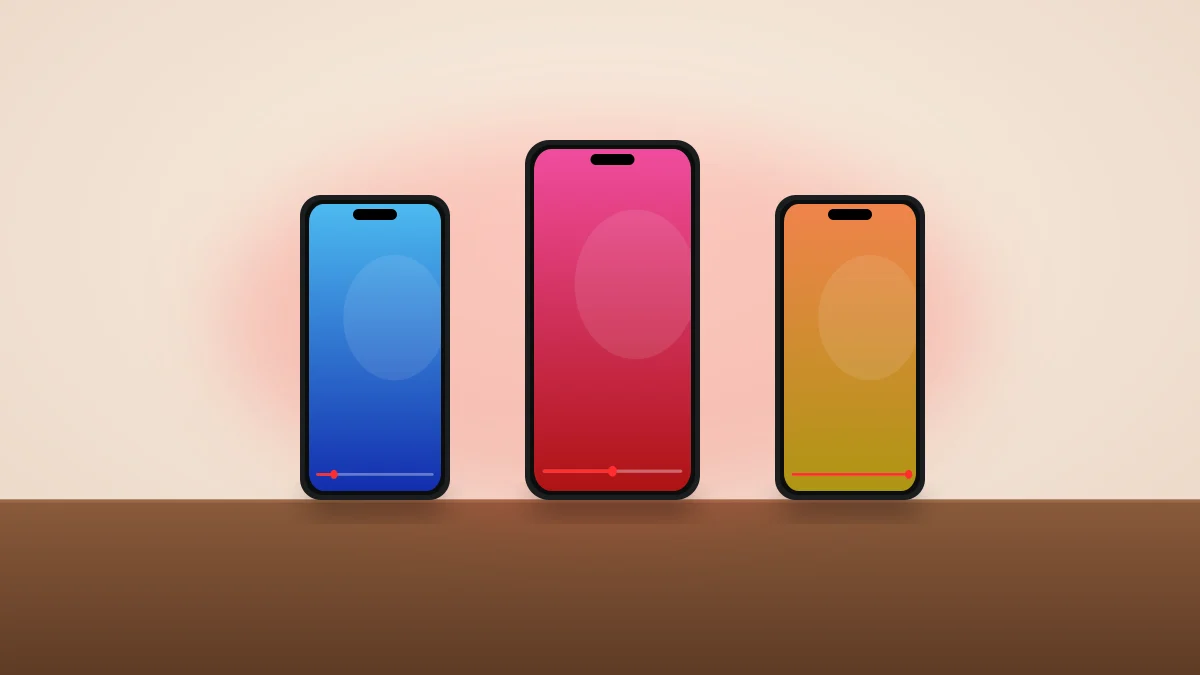
TikTok dimensions for video are 1080 × 1920 pixels, which is a 9:16 aspect ratio (vertical, full screen). TikTok also accepts square (1:1) and horizontal (16:9) videos, but they play with empty bars above and below, so vertical is the size to design for. Getting the size right is the easy part. The harder part is what TikTok draws on top of your video: the caption, the username and a column of buttons cover about a third of the screen. This guide gives the full spec, then the exact safe zone in pixels, measured on the current app.
- The best TikTok video size is 1080 × 1920 pixels (9:16). 720 × 1280 works but looks softer after compression.
- Square (1:1) and horizontal (16:9) videos are accepted but shrink to fit, with bars above and below.
- Export as MP4 with H.264 video and AAC audio, at 30 frames per second. TikTok compresses everything, so a clean 1080p file beats a huge 4K one.
- Keep text, faces and logos inside the safe zone: about 210 px clear at the top, 470 px at the bottom, 150 px on the right and 60 px on the left of a 1080 × 1920 frame.
- Upload limits on length and file size depend on your account, device and whether you upload from the app or a computer. Check the upload screen for yours.
TikTok dimensions for video are 1080 × 1920 pixels, which is a 9:16 aspect ratio (vertical, full screen). TikTok also accepts square (1:1) and horizontal (16:9) videos, but they play with empty bars above and below, so vertical is the size to design for.
Getting the size right is the easy part. The harder part is what TikTok draws on top of your video: the caption, the username and a column of buttons cover about a third of the screen. This guide gives the full spec, then the exact safe zone in pixels, measured on the current app.
TikTok video size at a glance
| Spec | Recommended |
|---|---|
| Dimensions | 1080 × 1920 pixels |
| Aspect ratio | 9:16 (vertical) |
| Also accepted | 1:1 square, 16:9 horizontal |
| File format | MP4 (MOV also works) |
| Video codec | H.264 |
| Audio | AAC, stereo |
| Frame rate | 30 fps (60 fps for fast motion) |
| Photo carousel slides | 1080 × 1920 pixels |
| Cover image | 1080 × 1920 pixels, centred subject |
What is the TikTok aspect ratio?
The TikTok aspect ratio is 9:16. For every 9 pixels of width there are 16 of height, which matches a phone held upright. At 1080 pixels wide that gives 1920 pixels tall.
| Aspect ratio | Example size | How it plays on TikTok |
|---|---|---|
| 9:16 vertical | 1080 × 1920 | Fills the whole screen |
| 4:5 portrait | 1080 × 1350 | Small bars above and below |
| 1:1 square | 1080 × 1080 | Large bars, video in the middle |
| 16:9 horizontal | 1920 × 1080 | Small strip across the middle |
Anything other than 9:16 wastes most of the screen and pushes the video into the area where the caption and buttons sit. If your footage is horizontal, reframe it to 9:16 before you upload rather than letting TikTok shrink it.
Is TikTok 1920 × 1080 or 1080 × 1920?
1080 × 1920. Width comes first, so 1080 wide by 1920 tall. A 1920 × 1080 video is horizontal and plays as a thin strip.
What resolution should a TikTok be?
1080p (1080 × 1920) is the sweet spot. TikTok re-encodes every upload, so:
- Below 720 × 1280, text and faces look visibly soft.
- 1080 × 1920 keeps captions sharp after compression.
- 4K uploads are usually scaled down on playback, take longer to upload and do not look better in the feed.
To reduce compression, export at a steady bitrate around 8 to 12 Mbps, avoid heavy grain and fast full-screen noise, and do not re-export a file that was already compressed (for example, a video downloaded from another app).
How long can a TikTok be, and how big can the file be?
TikTok's limits on length and file size have changed several times and are not the same for everyone. They vary by account, by app version and by whether you upload from the phone or from a computer. Instead of trusting a fixed number from an old article, check the upload screen: it shows the limit for your account.
What we can say for sure is what works in the feed. Most faceless TikToks that perform well run 15 to 60 seconds. If you are deciding on length, our guide on YouTube Shorts length includes pacing data from 54 viral videos that applies just as well to TikTok.
The TikTok safe zone in pixels
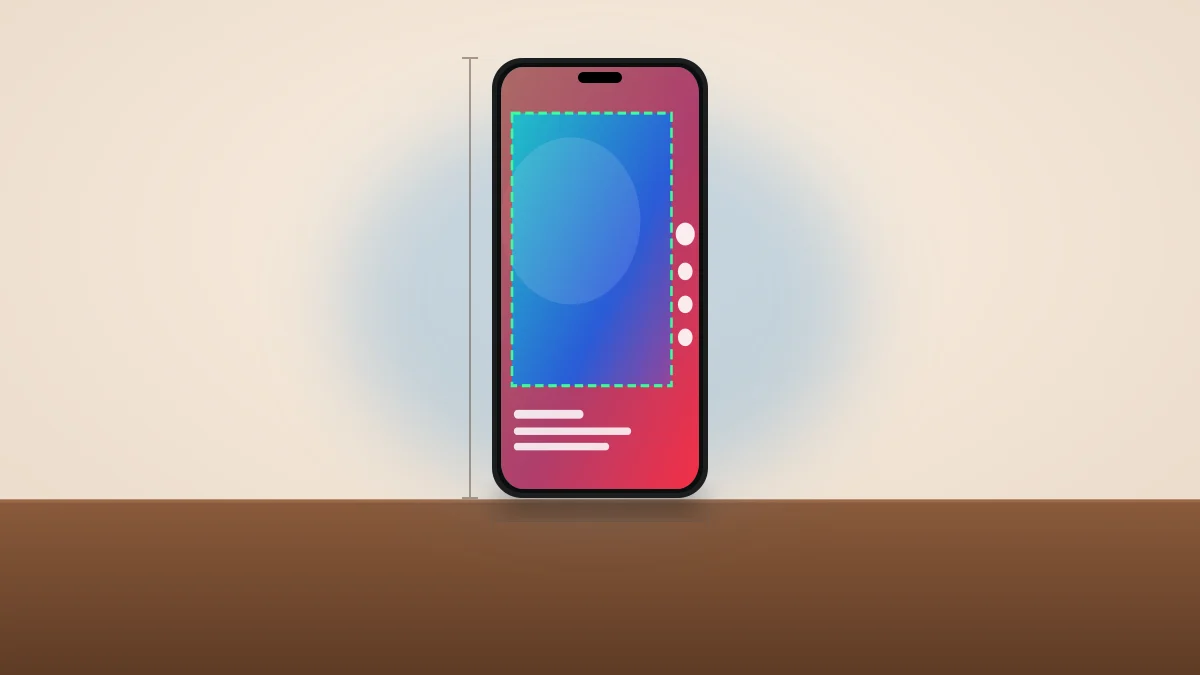
TikTok shows the username, caption, sound and buttons on top of your video. Anything placed under them is hard to read or hidden. These are the margins we measured on a 1080 × 1920 frame, rounded up so they hold on common phones:
| Edge | Keep clear | What TikTok shows there |
|---|---|---|
| Top | 210 px | Status bar, LIVE, Following and For You tabs, search |
| Bottom | 470 px | Username, caption, hashtags, sound, shopping or location links |
| Right | 150 px | Profile picture, like, comment, save, share, sound disc |
| Left | 60 px | Nothing drawn, but tall phones crop a sliver |
That leaves a safe area of 870 × 1240 pixels, starting 60 px from the left and 210 px from the top. Put your hook text, captions and any logo inside it.
You can drop your own video or photo into our free TikTok safe zone checker to see exactly what gets covered. It runs in your browser and nothing is uploaded. There is also a template PNG to place over your edit.
Where to put text on a TikTok
| Element | Where it works |
|---|---|
| Hook text and titles | Upper third, starting below 210 px |
| Captions | Middle of the frame, ending above 1450 px |
| Faces | Centre to upper centre, away from the right column |
| Logo or watermark | Top left, inside the safe area |
| Call to action | Just above the caption block, centred |
One size for TikTok, Reels and Shorts
Each app covers a different part of the screen. If you post the same video everywhere, use the largest margin of the three:
| App | Top | Bottom | Right | Safe area |
|---|---|---|---|---|
| TikTok | 210 | 470 | 150 | 870 × 1240 |
| Instagram Reels | 220 | 640 | 130 | 890 × 1060 |
| YouTube Shorts | 200 | 660 | 190 | 830 × 1060 |
| All three | 220 | 660 | 190 | 830 × 1040 |
Values are pixels on a 1080 × 1920 frame, with 60 px on the left for all three. See the Reels and Shorts checkers for each app.
How to resize a video for TikTok
- Set the canvas to 1080 × 1920 in your editor before you add anything.
- Reframe, do not shrink. Crop a horizontal clip to the part that matters instead of fitting the whole frame with bars.
- Place text inside the safe area using the margins above.
- Export as MP4, H.264, 30 fps, 1080p.
- Upload the original export, not a copy that was downloaded or messaged first.
If you make faceless videos, Viibeo does this for you: every video is rendered at 1080 × 1920 with captions, titles and end cards kept inside the TikTok, Reels and Shorts safe zones. On the Starter plan and above, Autopilot can post it to TikTok on a schedule. Your first video is free.
TikTok photo, cover and profile sizes
| Asset | Size |
|---|---|
| Photo carousel slide | 1080 × 1920 (9:16) |
| Video cover | 1080 × 1920, keep the subject centred |
| Profile picture | At least 200 × 200, shown as a circle |
The profile grid crops covers towards the centre, so keep the title of your cover in the middle third. Our TikTok carousel generator exports slides at the right size.
Keep reading
- YouTube Shorts length in 2026Limits, best length and pacing.
- TikTok vs Reels vs ShortsWhere to post.
- How to make faceless TikTok videos with AIThe full workflow.
- Best time to post on TikTokTiming by audience.
- TikTok safe zone checkerTest your own video.
Frequently Asked Questions
What are the dimensions of a TikTok video?
1080 × 1920 pixels, a 9:16 vertical aspect ratio. That fills the whole phone screen.
What is the TikTok aspect ratio?
9:16. Square (1:1) and horizontal (16:9) videos are accepted but play with bars above and below.
What size should a TikTok video be in pixels?
1080 pixels wide by 1920 pixels tall. 720 × 1280 is the lowest size that still looks acceptable after TikTok's compression.
Can I upload 4K video to TikTok?
You can, but TikTok scales it down for playback. A clean 1080p export usually looks the same in the feed and uploads faster.
Where is the safe zone on TikTok?
On a 1080 × 1920 video, keep about 210 px clear at the top, 470 px at the bottom, 150 px on the right and 60 px on the left. The safe area left is 870 × 1240 pixels.
Why does my TikTok look blurry?
Usually because the file was too small, was compressed twice, or was uploaded with a data-saving setting on. Export at 1080 × 1920 from the original project and upload that file directly.
What size is a TikTok cover?
1080 × 1920 pixels, the same as the video. The profile grid shows a crop of the centre, so keep the title in the middle.
Written by

Audiencon
@audienconFounder of Viibeo
Builds Viibeo and writes this journal from the product: faceless shorts with script, voice, captions, and auto-post.