In short
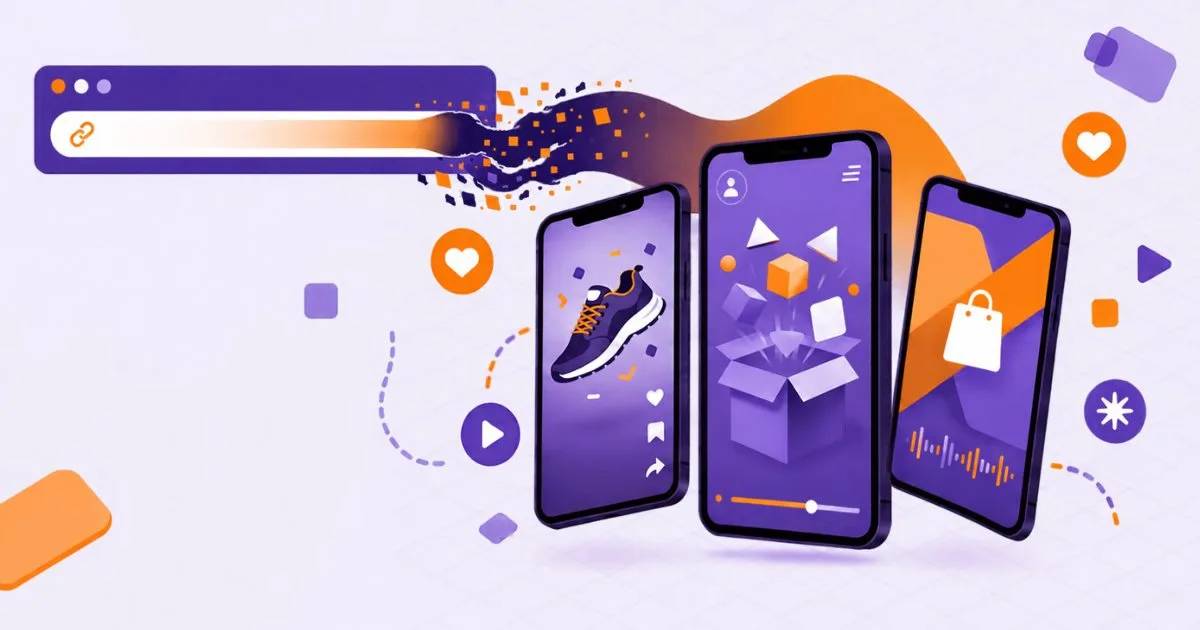
You have a product page, a decent photo, and no footage. Paste the link into a video ad maker and it reads the page, writes a script and hands back a vertical video. The easy part is the paste. The hard part is choosing what kind of ad that link becomes, because a UGC clip, an animated film and a voiced slideshow sell in different ways. If you run a small shop, our guide to AI video for small business covers the wider workflow.
A product link to video ad can take three forms: a UGC ad with an AI creator holding your product, a 3D animated ad, or a faceless short. Pick the form by goal, count your credits first, and label realistic AI people.
Not sure what the first second should say? Paste your page into the free product page ad hooks tool and read six openers before you spend a single credit.
- The tool fetches the page, reads the main photo and the description, then drafts a script around them.
- Match the format to the job. UGC suits a product with a clear before and after.
- Five steps, about ten minutes of your time. Choose the photo, paste the link, fix the script, pick a length and style, then export and check the frame.
- Count credits first. The trial gives 100 credits once, and Lite gives 480 a month, according to the pricing page.
- For realistic AI people, yes, treat the label as mandatory.
3 days of Lite, 100 credits. Card required, cancel anytime
What happens when you paste a product link into a video ad maker?
The tool fetches the page, reads the main photo and the description, then drafts a script around them. On Viibeo's UGC video ad page the box says "Describe your product or paste its link", and the script is written for you if you leave it empty. A short render follows, usually within minutes.
That draft is only as good as the page. A thin description gives a thin script. A cluttered photo gives a messy ad. Before you paste, check three things: the price on the page is current, the benefits are written as facts and not slogans, and the lead photo shows the product alone.
Why not just film it yourself?
Sometimes you should. A real unboxing from a real customer beats any generated clip. But filming takes a day, and testing five angles takes five days. A generated draft costs minutes, so you can test the angle first and film only the winner.
Which product link to video ad fits: UGC, animated or faceless?
Match the format to the job. UGC suits a product with a clear before and after. An animated ad suits a product that needs a story or a mascot. A faceless short suits a product you explain with facts, such as a gadget with five odd features.
| Format | What the viewer sees | Viibeo credits | Best for |
|---|---|---|---|
| UGC ad | AI creator talks to camera, holds the product, captions on | 20 (10 s), 30 (15 s), 60 (30 s) | Skincare, gadgets, home items |
| Animated ad | 3D film, one star character, voice, music, end card | 36 (15 s), 66 (30 s) | Products with a story or a hook |
| Faceless short | Voiceover over visuals and captions | About 12 videos on Lite's 480 credits | Explainers, feature lists |
Credit costs come from Viibeo's agents and UGC pages, and the video count from its pricing page, all read on 18 November 2026.
The UGC ad from a product link
An AI creator holds the item and says the script to camera, with lip sync and captions. The page lists 23 phone-video styles, such as unboxing, car selfie and mirror routine. Pick the style a real buyer would film, not the fanciest one. Our guide to 50 viral hooks helps with the first line.
The animated ad from a product link
This one needs no prompt. Viibeo reads the page, builds several shots around one star character and the real product from your photo, adds a voice in the page's language, and ends on a card. It takes about eight minutes per ad according to the agents page. Use it when the UGC look feels too common in your niche.
The faceless short from a product link
No person on screen: a voiceover, product visuals and big captions. It is the cheapest per video and the easiest to turn into a series. For article-based scripts, the free URL to faceless script tool writes one from a public link. For ideas by product type, see these faceless TikTok dropshipping content ideas.
How do you turn a product link into a video ad step by step?
Five steps, about ten minutes of your time. Choose the photo, paste the link, fix the script, pick a length and style, then export and check the frame. Skipping the script review is the mistake that costs the most, because a confident wrong price is worse than a dull sentence.
- Pick a clean lead photo on the product page, with the item alone on a plain background.
- Paste the link into the generator and let it write the script.
- Read every line. Fix the price, the product name, any claim about results.
- Choose 10, 15 or 30 seconds (the same product link to video ad can be rebuilt at each length). Shorter ads cost fewer credits and force one idea.
- Export, then check captions against the safe zone (see the TikTok dimensions guide).
Captions deserve a second look too. Our walkthrough on adding captions to TikTok videos shows where the interface covers text.
How many product ads does one plan actually make?
Count credits first. The trial gives 100 credits once, and Lite gives 480 a month, according to the pricing page. These figures are an illustration of the arithmetic, not a promise of results.
| Budget | Plan | Example mix | Credits used |
|---|---|---|---|
| 100 (trial) | 3-day Lite trial | 3 UGC ads at 15 s, 10 left over | 90 |
| 480 (Lite, month) | Lite | 4 UGC ads at 15 s plus 3 animated ads at 30 s | 318 |
| 480 (Lite, month) | Lite | 24 UGC ads at 10 s, nothing else | 480 |
Take a shop with six products. On Lite you could make one UGC ad and one animated ad per product: six 15-second UGC ads (6 times 30) plus six 30-second animated ads (6 times 66) is 576, which is over budget. Drop the animated ads to four products and the total is 180 plus 264, or 444. That fits, with 36 credits spare. Unused credits do not roll over, so spend them within the cycle.
Do you have to label an AI product ad on TikTok?
For realistic AI people, yes, treat the label as mandatory. TikTok says it requires people to label realistic AI-generated content, and that it reads C2PA Content Credentials to catch the rest. In a November 2025 post it reported more than 1.3 billion videos labeled to date, per TikTok's newsroom.
Hootsuite's summary of the disclosure rules says a label is needed when AI creates or significantly edits realistic people or scenes, and that ads use a toggle named "This ad contains AI-generated content" in Ads Manager. Generic text-to-speech and AI-written scripts do not need one, it adds.
Our reading, and it is not legal advice: an AI creator holding your product is a realistic person, so label it. A stylized 3D animated film is a gray area, so label it too. The cost of a label is small, and the cost of a removed ad is not.
What this means for your store or channel
A product link to video ad cuts the filming step, not the thinking. Viibeo makes the UGC and animated versions from a link or a photo, and the trial lets you test one of each. What it does not do: there is no free plan, Lite and the trial export an MP4 you post by hand, and Autopilot auto-posting starts on Starter. The pages I read describe Autopilot as a faceless series tool, not a product ad pipeline.
For a store, the product link to video ad loop is simple. Make one UGC and one animated draft per hero product, post both, keep the winner, and rebuild the angle. A creator with a niche channel might instead run the faceless route for weekly explainers and use one UGC ad for the product they sell.
A new account starts with a 3-day Lite trial for €1, so one afternoon is enough to compare both formats on your own page. Look at the plans on the Viibeo pricing page before deciding how many ads a month you need.
Frequently Asked Questions
Can I make a video ad from just a product URL?
Yes. Paste the link and the tool reads the photo and description, then writes a script and renders a vertical ad. Check the script before you publish, because a draft built from a weak page can carry the wrong price or an overblown claim into the video.
How long should a product video ad be?
There is no single rule. Viibeo offers 10, 15 and 30 second UGC ads and 15 or 30 second animated ads. Start with 15 seconds: one problem, one product, one reason to click. Move to 30 seconds only when the product needs a demo.
Is a product ad made with AI allowed on TikTok?
TikTok lets creators use AI but requires a label on realistic AI-generated content, per its newsroom. Ads use their own disclosure toggle in Ads Manager, according to Hootsuite. Read TikTok's current ad policy before you run paid traffic.
How many credits does a product ad cost?
On Viibeo, a UGC ad costs 20 credits for 10 seconds, 30 for 15 seconds and 60 for 30 seconds. An animated ad costs 36 credits for 15 seconds and 66 for 30 seconds. Lite includes 480 credits a month.
Do I need my own product photo?
A link is enough, since the tool reads the photo on the page. A clean image you upload yourself usually gives a better result, because the creator or animation uses that exact item. Avoid photos with text overlays or busy backgrounds.
Written by

Audiencon
Founder of Viibeo
Builds Viibeo and writes this journal from the product: faceless shorts with script, voice, captions, and auto-post.